On Monday, Kajabi Deletes It. Your Clips Are Safe. Your Written Content Is Not.
Creator Studio shuts down November 9. Anything you don't export is gone for good, and most creators haven't read the help article.
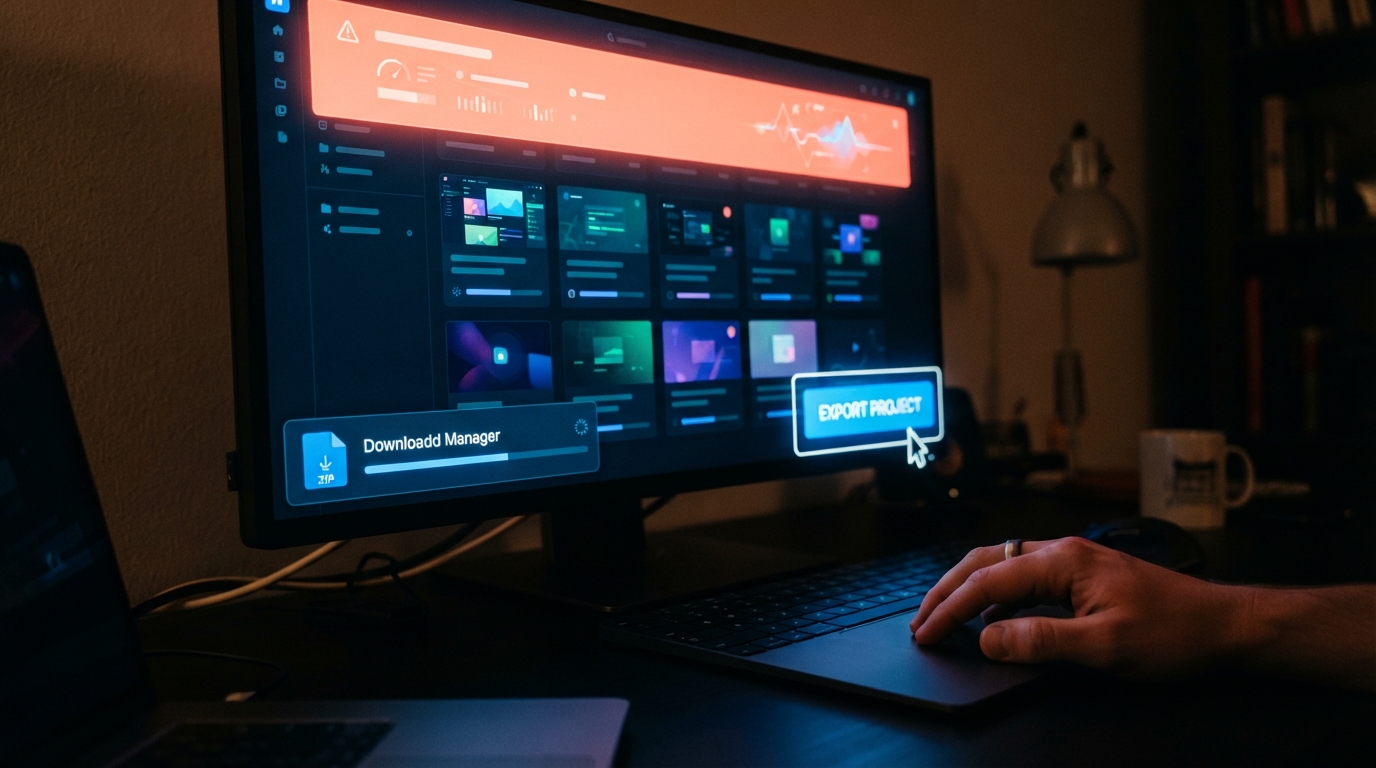
You have four days.
Kajabi's help centre confirms Creator Studio will be sunset on November 9, 2026. The feature that turned one course video into blog posts, emails, social copy, transcripts and subtitle files is being switched off, and the warning attached to it is unusually blunt for a help article: anything you do not export before Creator Studio is removed will be permanently deleted and can't be recovered.
This was a paid add-on. Only Heroes with the Creator Studio add-on could use the feature, split across two tiers — Basic generated unlimited content from four videos a month, Premium from thirty. So the people most exposed here are the ones who paid the most and used it hardest.
The split nobody noticed
Here's the part that keeps most creators calm for the wrong reason.
Kajabi moved video clips into the Media Library on September 9, 2026, so they're already waiting there. They sit alongside the rest of your video and stay available after Creator Studio is removed.
That migration already happened. It's done. If you logged in, saw your clips intact, and assumed the whole thing had been handled, you assumed wrong.
The rest of what you built in Creator Studio is not saved automatically — running the export is the step that keeps your written content, transcripts and subtitle files. The ZIP Kajabi emails you holds text only.
Read that again if you've been repurposing a course library for two years. The clips survive. The copy does not.
The two-minute version
One export covers the whole account, so you don't have to open projects one at a time.
Select More in the left sidebar of your dashboard, then Creator Studio. Find the Creator Studio is being retired banner at the top of your projects list. Click Export my projects, and the export arrives as a single ZIP file.
Two things worth knowing. If Creator Studio isn't listed under More, Kajabi says to contact support, because your account may still hold content to export. And run it twice. If a clip is missing, clicking Export my projects again moves over anything still left in Creator Studio — running the export more than once is safe, because clips already in your Media Library aren't added a second time.
Kajabi's advice on what to grab is maximalist: download all content you developed with Creator Studio, even content you're not sure you still need.
What doesn't come back
The export saves your archive. It doesn't replace the workflow.
Creator Studio let you turn highlighted transcript sentences into short video clips, either manually or using AI key moments. Kajabi says it doesn't yet have a built-in replacement for transcript-based clipping, and points users to an outside video tool like Descript. Media Library covers transcription, translation, dubbing, chapters and analytics — but not clipping.
So Monday costs twice: the content you didn't export, and the thing you now have to rebuild somewhere else.
One of those two is still fixable today.
Sources
- Prepare for the Creator Studio sunset — Kajabi Help Center
- Creator Studio — Kajabi Help Center
- Delete Creator Studio projects and clips — Kajabi Help Center
- Download transcripts and subtitles with Creator Studio — Kajabi Help Center
- Kajabi Creator Studio is being sunset: export your projects before they are deleted — Upmish
Editor’s note: A four-day deadline on content our readers paid an add-on fee to generate. If one person exports because of this piece, it earned its slot.
Keep reading
Teachable Changed Its Usage Rules on September 3. The Platforms Publishing the New Limits Don't Agree With Each Other.
One published product on Starter. Or five. Or unlimited. Three answers are circulating right now, and most of them come from competitors.

You Can Now Claim Your Course Business Inside ChatGPT. The Interesting Part Is the Data It Hands Back.
OpenAI's new Business Hub finally tells you how often ChatGPT mentions you, how many people click, and what they were asking about.

Kajabi Will Rent You an AI Teaching Assistant for $79 a Month. The First Big Trial of One Just Came Back With Lower Grades.
A randomized study of 2,379 university students found a course-integrated AI tutor cut grades and participation. Creators are being sold the same architecture.
Everyone Spent a Year Getting Ready for ChatGPT to Sell Their Course. The Checkout Button Is Gone.
OpenAI handed checkout back to merchants in March. Eight months later, the thing that actually sells your course is still your own sales page.